

Connect your account. Then get the app.
Use Google or email to create your account or sign in. After signing in, tap Get the app and use this same account on your iPhone.
Your home search, in your pocket
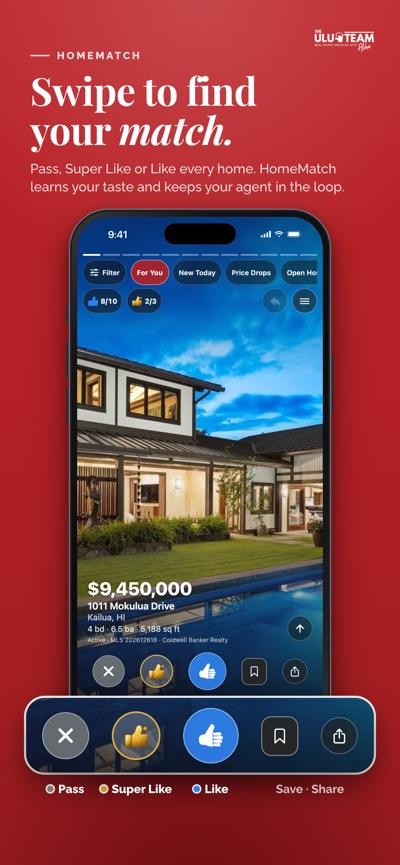
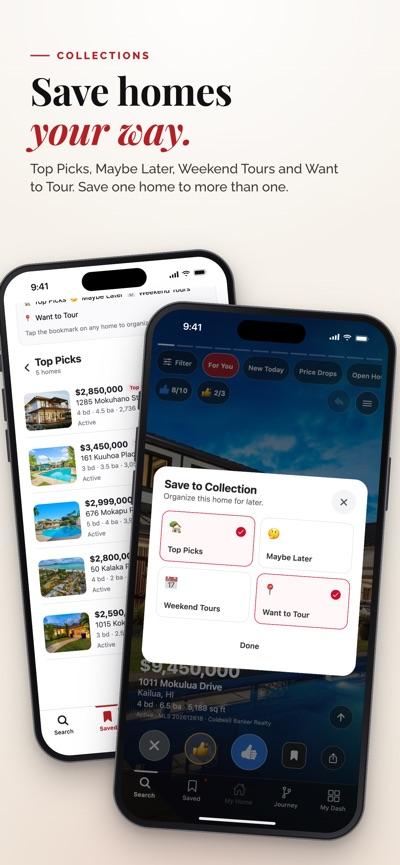
Screenshots from the App Store · Available for iPhone
Questions? Call 808.201.2276.
Step 1 of 2
Connect your account
Once you’re signed in, we’ll take you back to download the app.
Already working with us? Open your client portal
Keller Williams Honolulu · RB-21303. By continuing you agree we may contact you about your home search. See how it works.